You don’t need a credit card to start coding with AI in 2026. While premium plans from Cursor and Windsurf get most of the headlines, several of the biggest names in AI-assisted development still offer genuinely useful free tiers some with far more generous limits than you’d expect.
According to Stack Overflow’s 2025 Developer Survey, 84% of developers are now using or planning to use AI tools in their workflow, up from 76% the year before. Interestingly, early-career developers (those with 1–5 years of experience) show the highest daily AI adoption of any group, at 55.5% higher even than developers with a decade or more of experience. If you’re just starting out, you are in good company.
The catch is that “free” means different things across these tools, some cap you at a strict number of requests per month, others throttle speed, and a few genuinely let you code every day without hitting a wall. Here are the nine free AI coding assistants actually worth trying in 2026, and exactly what you get before you are asked to pay a cent.
Quick Comparison
| Tool | Free Tier Limit | Best For |
| GitHub Copilot | 2,000 completions + 50 chat/mo | In-editor completions in VS Code, Visual Studio, JetBrains |
| Windsurf | Base model access, no cap stated | Most beginner-friendly AI-native editor |
| Google Gemini Code Assist | ~180,000 completions/mo | Heaviest free usage allowance |
| Cursor (Hobby) | Limited Agent + Tab requests (credit-based) | Trying a pro-grade editor before upgrading |
| Amazon Q Developer | 50 agentic requests/mo | AWS-based projects |
| Claude Code | Free plan, usage-limited | Agentic, multi-file coding tasks |
| ChatGPT | Free tier, no IDE integration | Learning concepts and debugging without installing anything |
| Continue.dev | Free, open source, unlimited | Full control and no vendor lock-in inside your IDE |
| Aider | 100% free, open source, unlimited | Terminal-based pair programming at zero cost, forever |
1. GitHub Copilot (Free Plan)
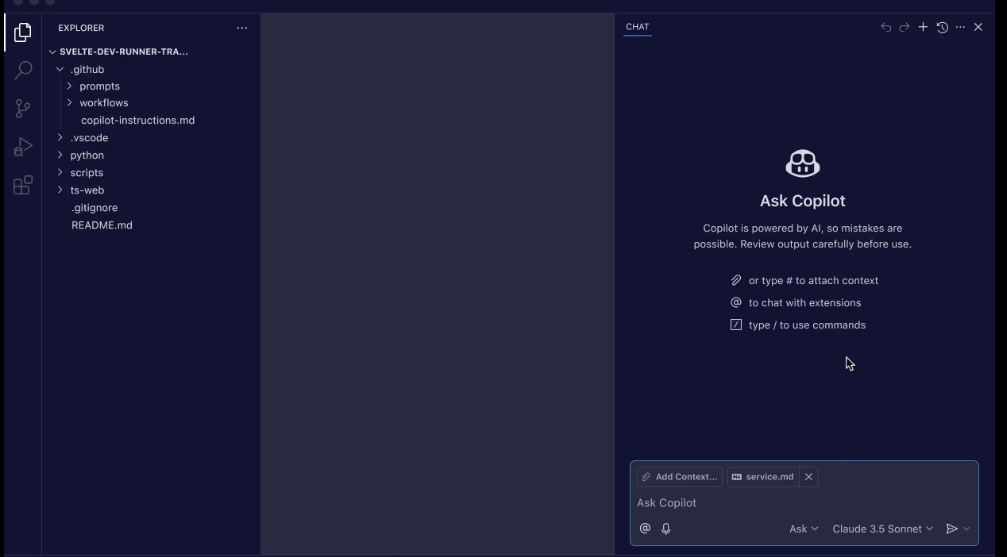
GitHub Copilot remains the most widely recognized AI coding assistant, and its free plan is a solid starting point for anyone learning to code. You get 2,000 code completions and 50 chat requests per month at no cost, right inside VS Code, Visual Studio, or JetBrains IDEs. Students and open-source contributors can often unlock free access to the paid Pro tier through GitHub’s education program, which is worth checking if you qualify. The completions are genuinely useful for beginners since Copilot suggests full lines or functions as you type, which doubles as a way to see idiomatic code patterns you might not know yet.
2. Windsurf
Windsurf is frequently rated as the most beginner-friendly AI coding tool available, largely because of its clean interface and automatic context awareness and it reads your codebase without you needing to manually reference files. Note that Windsurf is the current name for what used to be marketed as Codeium’s editor; the company rebranded fully, so if you see older articles recommending “Codeium” as a separate free tool, they’re likely describing an outdated name for the same product rather than a distinct option.
Its free tier includes base model access, letting new coders get a feel for AI-assisted development without committing to a subscription. If GitHub Copilot feels like autocomplete with extra steps, Windsurf feels more like pairing with a patient assistant that explains itself, which is exactly what a beginner needs.
3. Google Gemini Code Assist
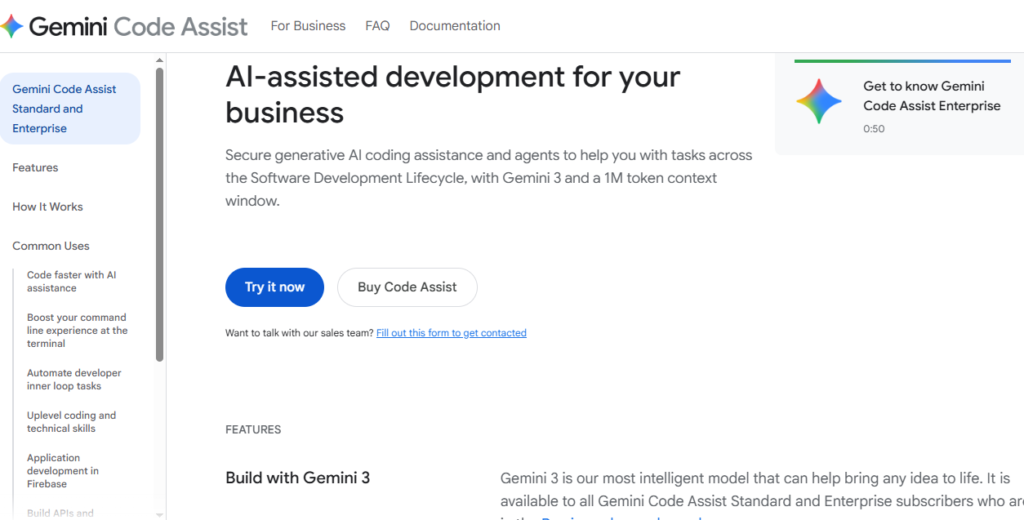
Gemini Code Assist is arguably the most generous free AI coding tool available in 2026. Google made it free for individual developers with a usage allowance so high roughly 180,000 code completions per month that most beginners will never come close to the limit. Chat prompts are metered separately, so heavy back-and-forth conversations with the AI won’t eat into your completion budget.
The trade-off is that exact limits and availability can vary by region, so it’s worth checking Google’s current documentation before relying on it as your only tool.
4. Cursor (Hobby Plan)
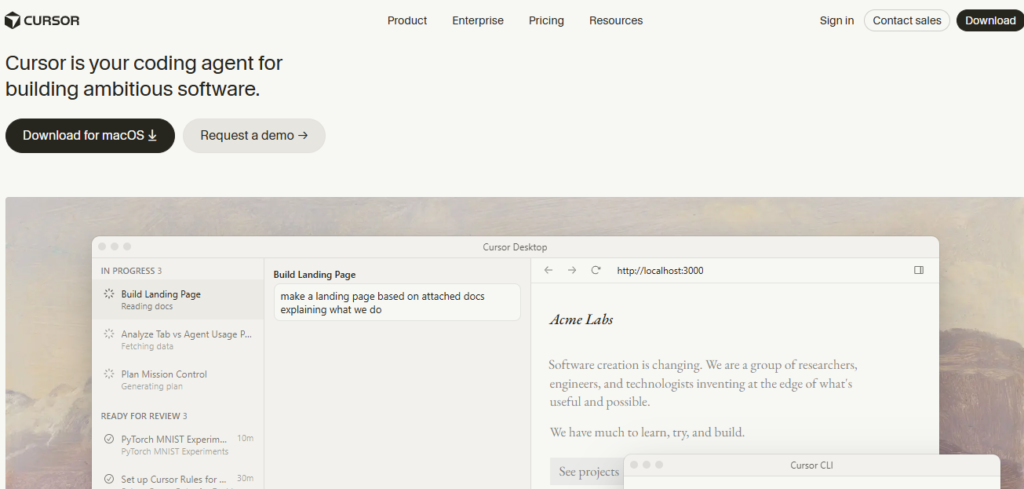
Cursor built its reputation as a favorite among professional developers, and its free Hobby plan is a reasonable way to try the editor before deciding whether the $20/month Pro plan is worth it. The free tier includes a limited number of Agent requests and Tab completions with no credit card required.
Cursor moved to a usage-based credit system in 2025, so your monthly free allowance behaves more like a spending budget than a fixed request count, it’s worth keeping an eye on your usage in the app if you’re trying to stay within the free tier.
5. Amazon Q Developer
Amazon Q Developer’s free tier includes 50 agentic requests per month across chat, code transformation, and security vulnerability scanning, plus 1,000 lines of code transformation. It’s a smaller allowance than some competitors, which makes it better suited to light, occasional use or evaluating whether AWS’s ecosystem fits your workflow, rather than as a daily coding companion. If you’re already building projects on AWS, though, Q Developer’s tight platform integration makes the modest free allowance worth it.
6. Claude Code
Claude Code, Anthropic’s command-line coding agent, offers a free plan that lets beginners try agentic coding where the AI can read, write, and run code across multiple files rather than just suggesting the next line. It’s a different experience from autocomplete-style tools, closer to delegating a small task and reviewing the result. The free plan has usage limits, and Pro starts at $17/month if you outgrow them, but the free tier is enough to understand whether this agentic style of coding fits how you like to work before paying anything.
7. ChatGPT (Free Tier)
It’s easy to overlook ChatGPT’s free tier as a “real” coding assistant since it isn’t built into an IDE, but for beginners it remains one of the most practical starting points. You can paste in error messages, ask for line-by-line explanations of unfamiliar code, or request a walkthrough of a concept you’re stuck on all without installing anything.
It won’t autocomplete your code as you type, but for learning fundamentals and debugging, the free tier is often more useful to a total beginner than a tool that suggests code you don’t yet understand.
8. Continue.dev
Continue.dev is a free, open-source AI coding extension for VS Code and JetBrains that doesn’t lock you into one company’s model. Because it’s open source, you can connect it to different AI models including free options and there’s no subscription tier waiting to pull you in later.
It requires slightly more setup than the plug-and-play tools on this list, but for beginners who want to understand how these tools actually work under the hood, or who simply don’t want a vendor relationship, it’s worth the extra ten minutes of configuration.
9. Aider
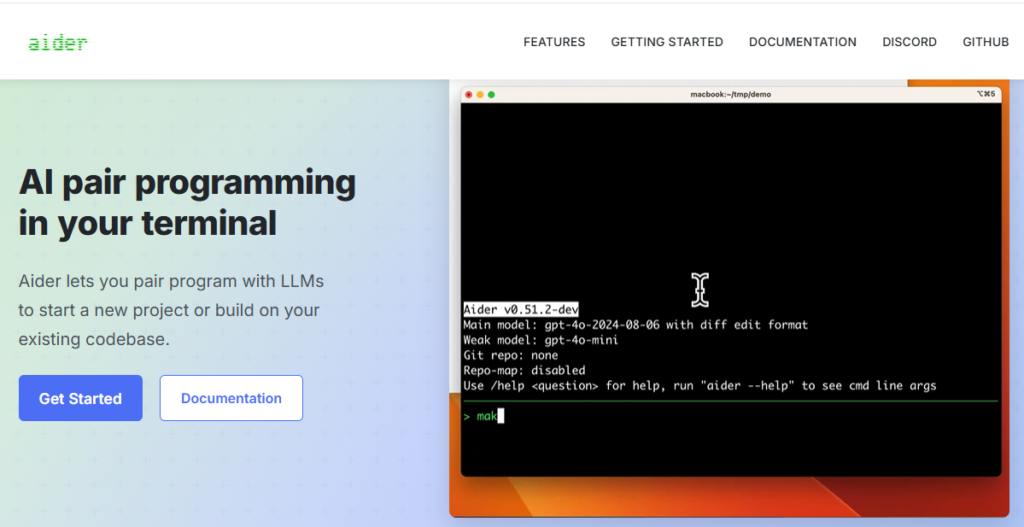
Aider is a free, open-source AI pair programmer that runs entirely in your terminal no IDE, no subscription, and no usage cap of any kind. It works by connecting to an AI model of your choice (including free API options), then reading, editing, and committing changes across your codebase through Git as you chat with it in plain English.
It’s a steeper learning curve than a point-and-click editor since you’re working from the command line, but for beginners who want a tool that will never ask them to upgrade or hit a paywall, Aider is the closest thing to a permanently free option on this list.
How to Choose the Right One
With nine legitimately free options, the right pick depends on how you like to learn.
If you want the most generous free usage with minimal setup, start with Google Gemini Code Assist, its completion allowance is high enough that you’re unlikely to hit a wall while learning.
If you want the most polished, beginner-friendly interface, Windsurf is the easiest to pick up in an afternoon.
If you’re not ready to install anything yet, ChatGPT’s free tier is the lowest-friction way to get comfortable asking an AI for coding help.
If you want to understand agentic coding, where the AI does more than autocomplete, try Claude Code or Cursor’s Hobby plan and see which style of interaction feels more natural.
If you are comfortable with the command line and want a tool with no cap and no company ever asking you to upgrade, Aider is worth the slightly steeper learning curve.
Most beginners land on two tools they use together rather than one — say, Copilot or Gemini for in-editor completions, and ChatGPT for conceptual questions. There’s no rule against combining free tiers, and doing so is often the fastest way to figure out which one you’ll eventually want to pay for.
Final Thoughts
The best free AI coding assistant for you is simply the one that matches how you’re learning right now — and in 2026, you have more genuinely free, capable options than ever to figure that out. Start with one, see how it feels after a week of real use, and don’t be afraid to switch or combine tools until you land on the setup that actually helps you write and understand code, not just autocomplete it.
Frequently Asked Questions
1. Are these free plans actually free forever, or just a trial?
All nine are genuinely free with no expiration date and no credit card required to sign up, none of them are disguised free trials. That said, companies do change pricing and limits over time, so it’s worth checking a tool’s official pricing page periodically rather than assuming today’s limits are permanent.
2. Can I use more than one AI coding assistant at the same time?
Yes, and many developers do. Running two extensions in the same editor can occasionally cause suggestion conflicts, but pairing one in-editor tool with a separate one (like ChatGPT) for open-ended questions works well and is common practice.
3.Do free tier limits reset every month?
Most of these plans reset monthly, though a few (like Cursor’s credit-based system) work more like a rolling allowance. Check the specific tool’s dashboard if you are relying on the free tier for ongoing projects.
About the Author